


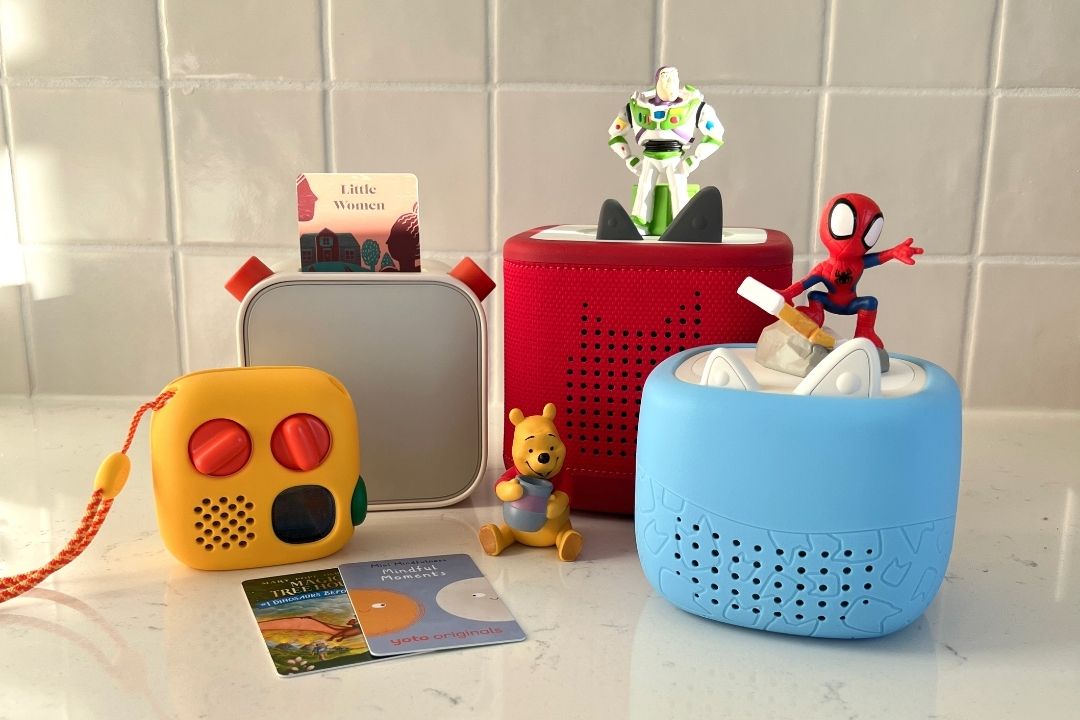
For my fellow mom friends out there searching for “screen-free” toddler entertainment, you may have come across the Toniebox and the Yoto Player. These devices are essentially box speakers that play audiobooks, music, and more. They are simple enough for a toddler to control on their own. Since you’ve probably heard of both, I’m here to share my honest review of Tonies vs. Yoto audio players for kids.
I’m no stranger to screen time for my toddler. Sometimes, you need to plop your kid in front of the TV to get some things done, and there’s no shame in that. However, when my kids started chanting “I want a show!” on a regular basis, I started to brainstorm other ways to occupy their time and give them more educational options.
And that’s what brought me to the Toniebox and Yoto. Parents raved about these devices and how their kids gravitated toward them over television shows (seemed impossible to me!).
On the surface, they seem extremely similar, but there are a few differences that can help you narrow down whether one is better than the other, depending on your kid. Since both companies released new generations of each product in 2026, trust me, this review is so helpful. As a mom who has all of the Toniebox and Yoto devices, I’m breaking down the unique attributes of each product—to help you decide which one is best for your family. Plus, I’ll share my personal experience with the Tonies vs. Yoto debacle and the one my kids gravitate to.
You May Also Like:
- Yoto vs. Yoto Mini: What I Learned After Using Both With My Kid
- Toniebox vs. Toniebox 2: My Review of Tonies’ Latest Toddler-Favorite Toy
- Magna-Tiles vs. PicassoTiles Review: Which One is Best for Your Kids?
- Nex Playground Review: Is This Active Gaming Console Worth It for Families?
- Stickerbox Review: What to Know About The AI Toy That Keeps Selling Out
Quick Picks: Toniebox vs. Yoto
- Best overall: Toniebox 2
- Best for younger kids: Toniebox 2
- Best for older kids: Yoto Player and Yoto Mini
- Best for independent listening: Yoto brand
- Best for travel: Yoto Mini
- Best for character-loving kids: Toniebox brand
- Best value for content: Yoto brand
- Best for interactive play: Toniebox 2
What are a Toniebox and a Yoto Player?
Yoto Player
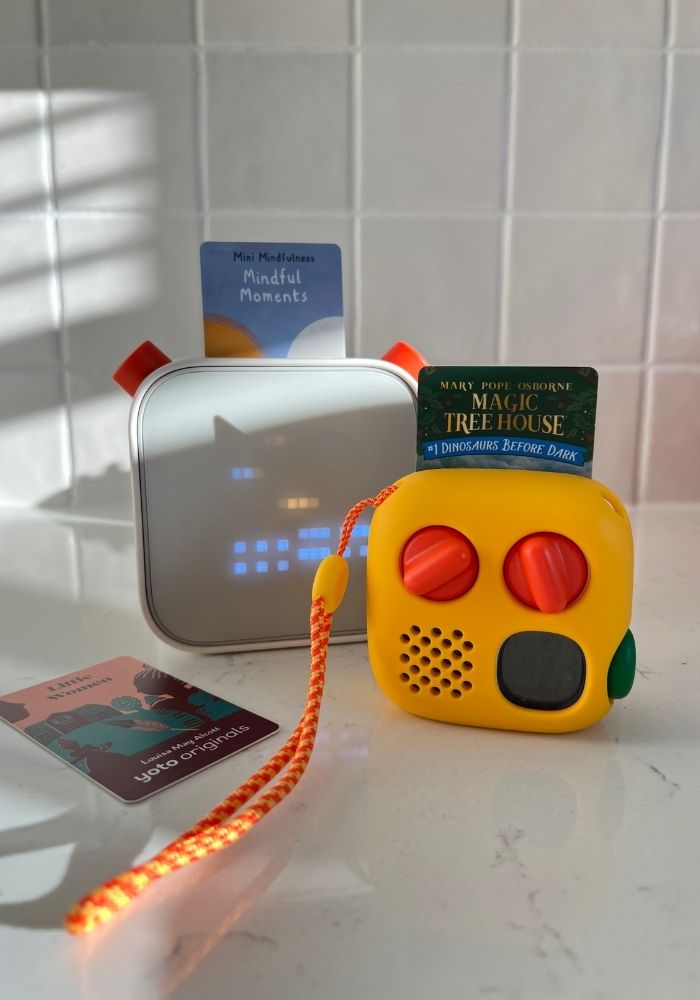
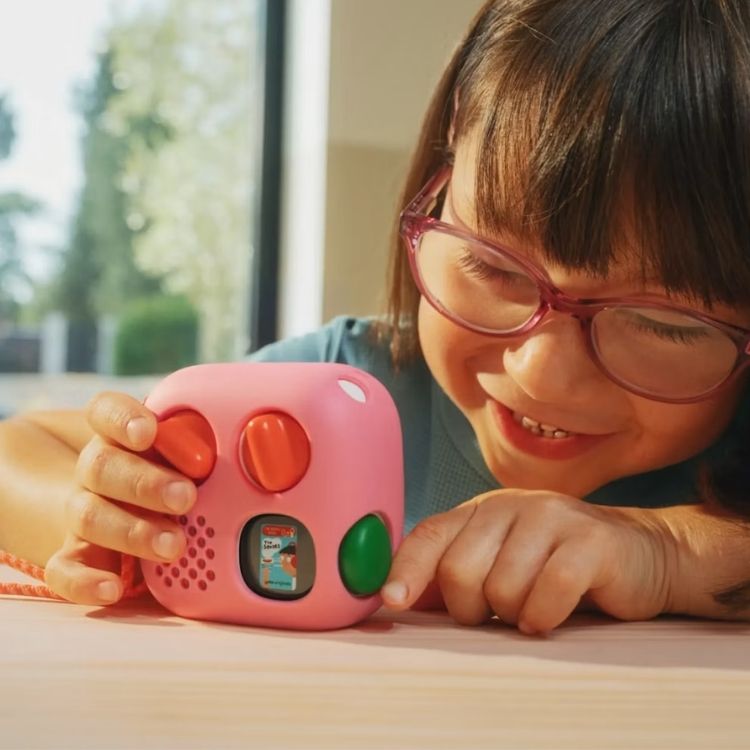
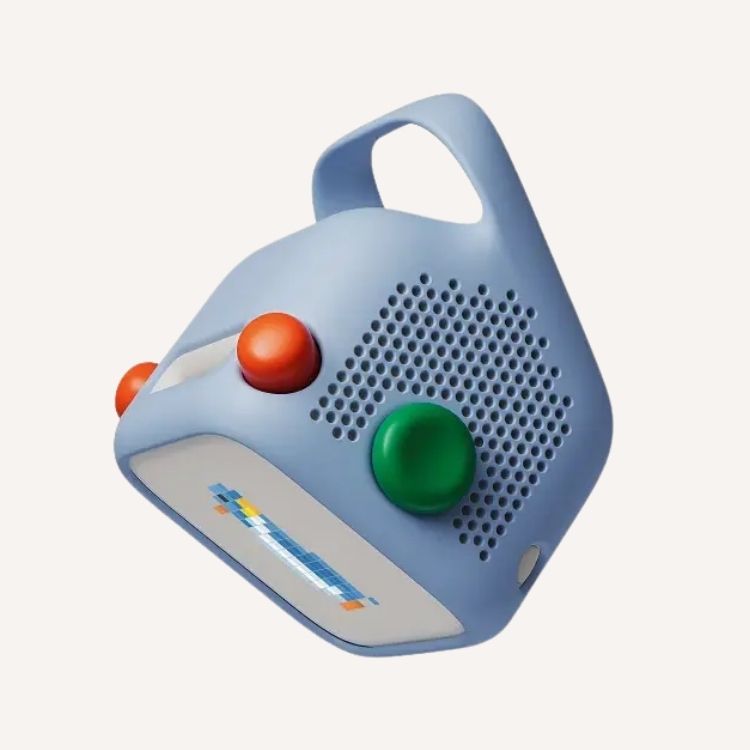
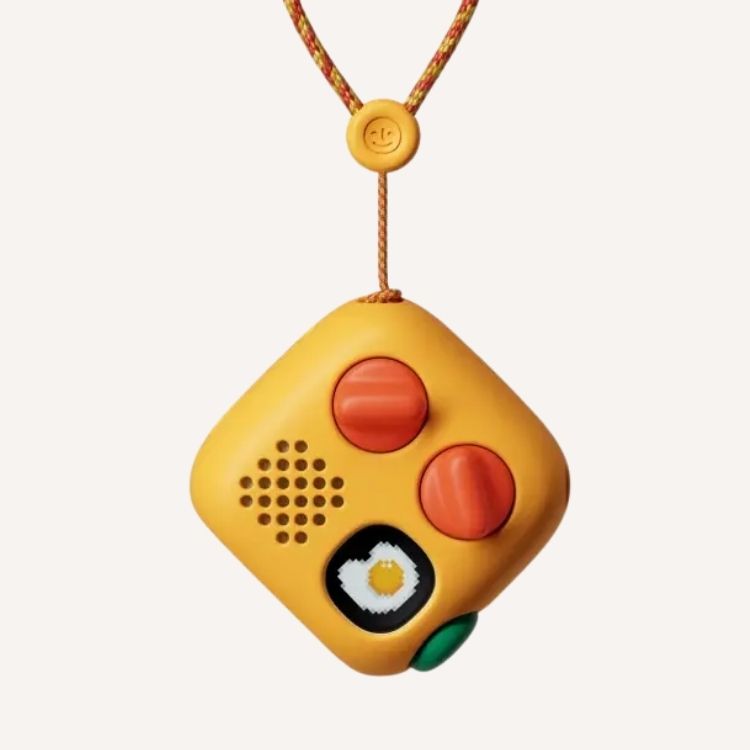
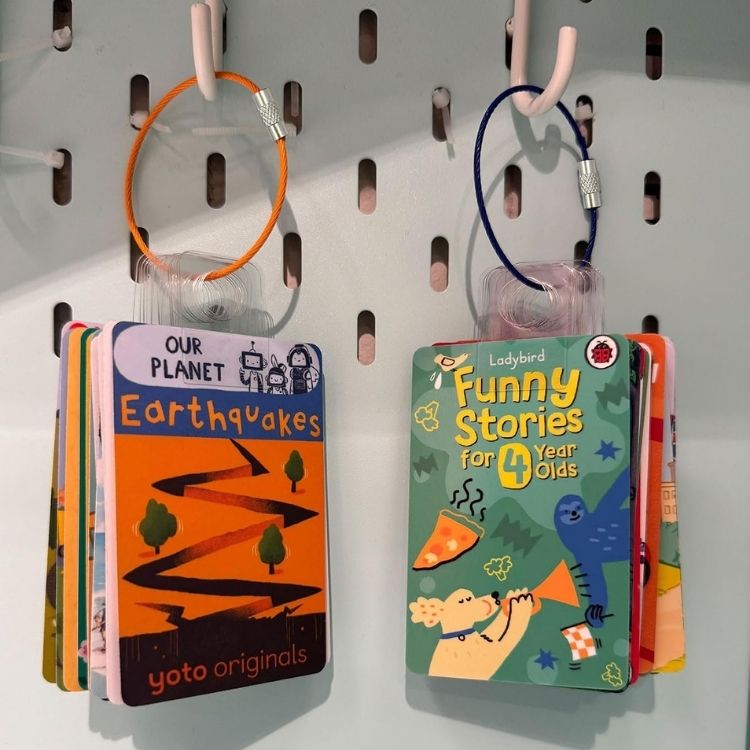
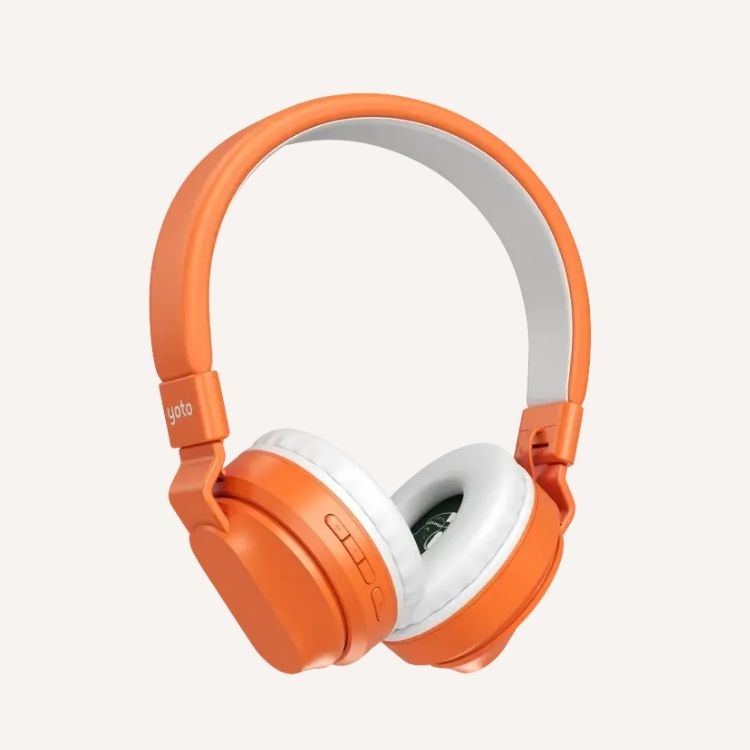
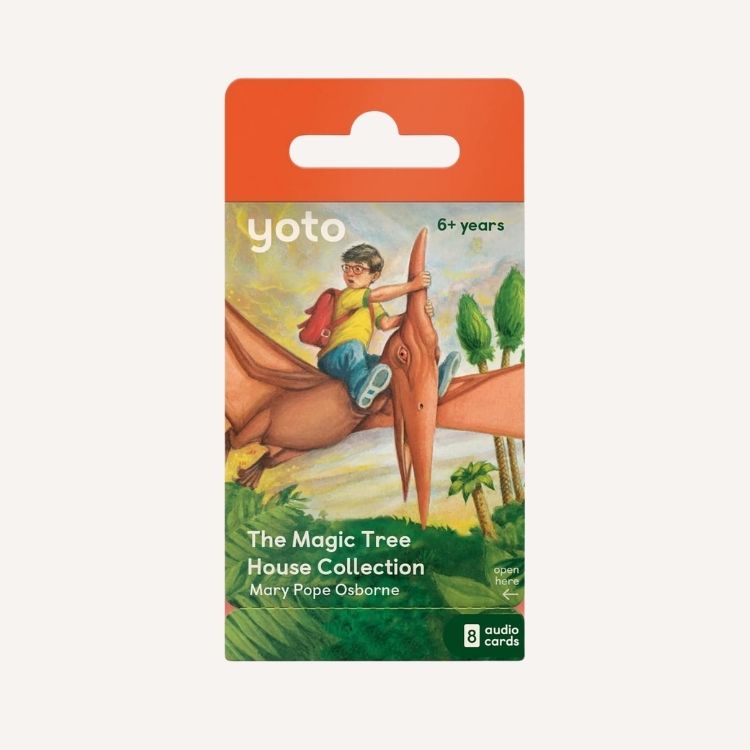
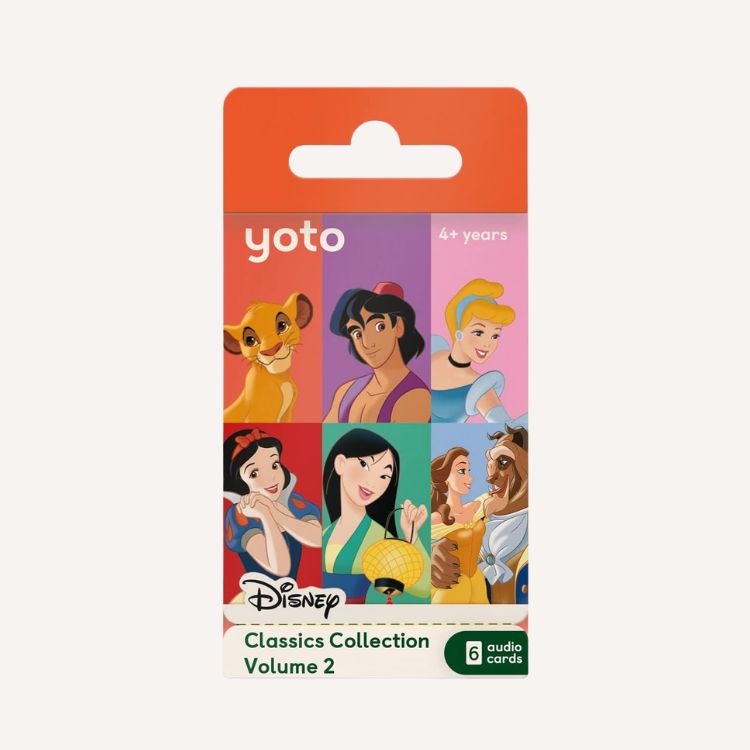
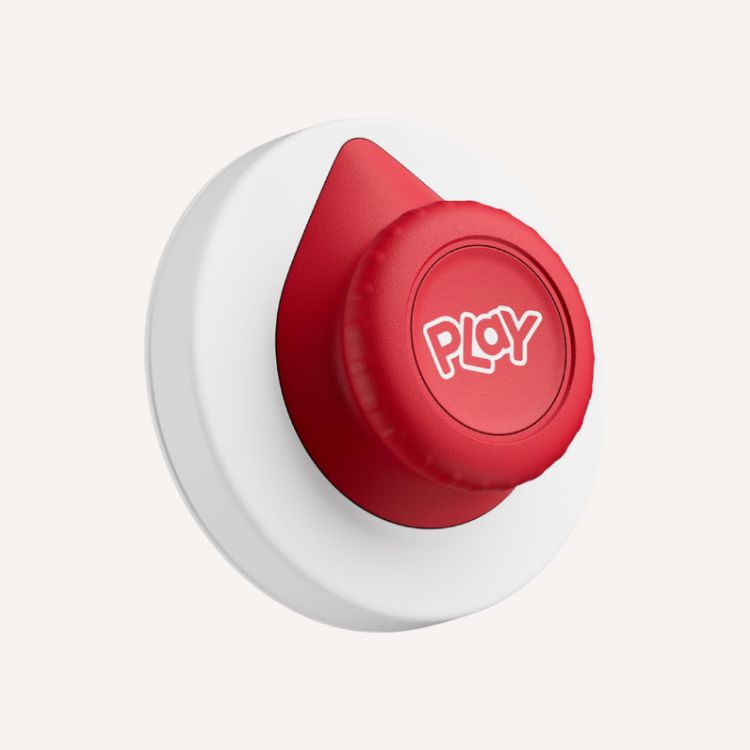
With this screen-free device, kids are in control of what they’re listening to, learning, and playing—completely ad-free. Its content library spans over 1,000 titles from publishers, along with Yoto’s own award-winning Yoto Originals. Simply insert a Yoto card into the device and listen to stories, music, and more.
Toniebox
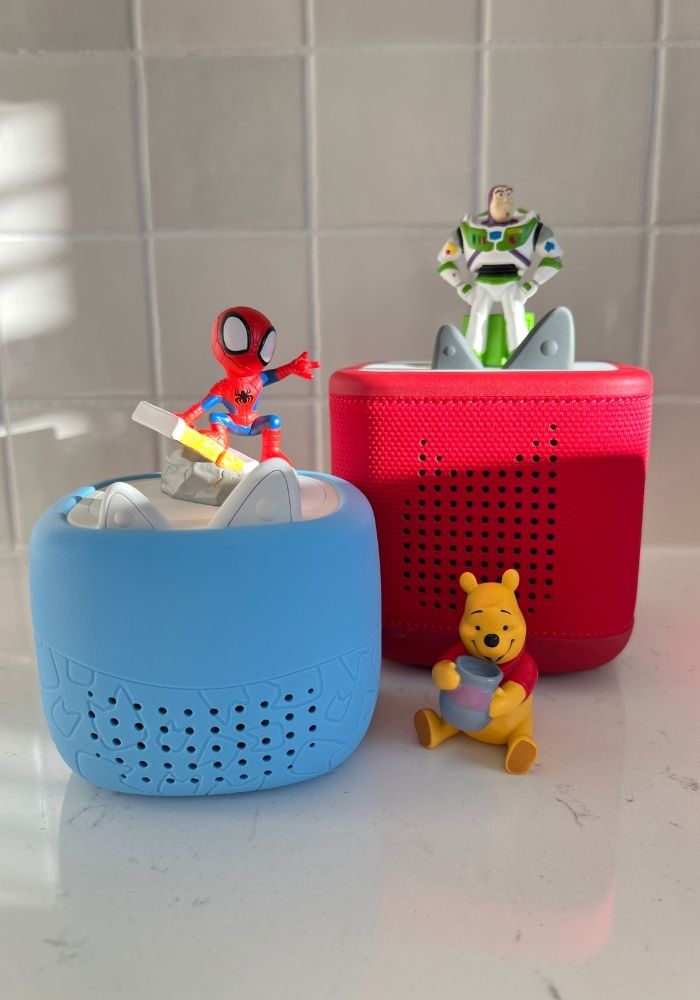
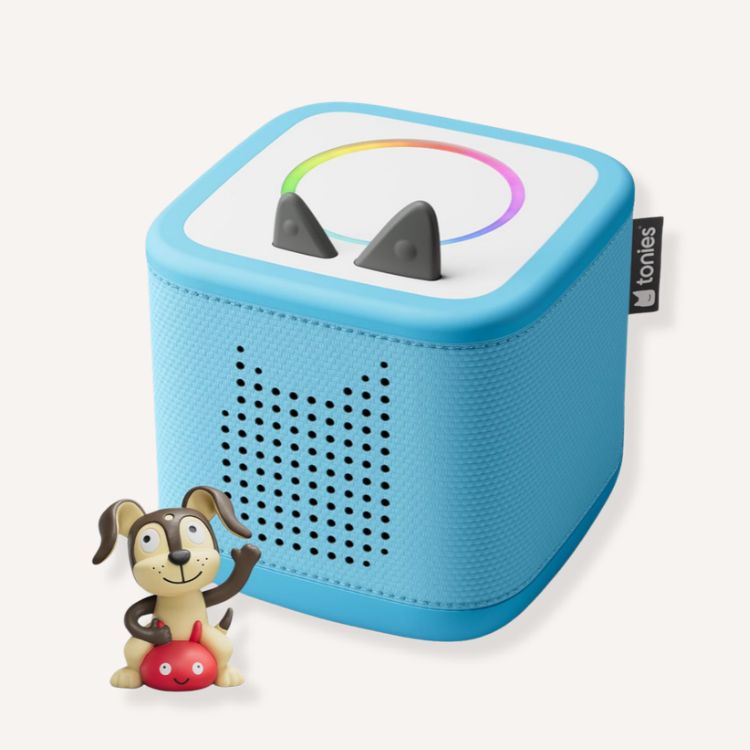
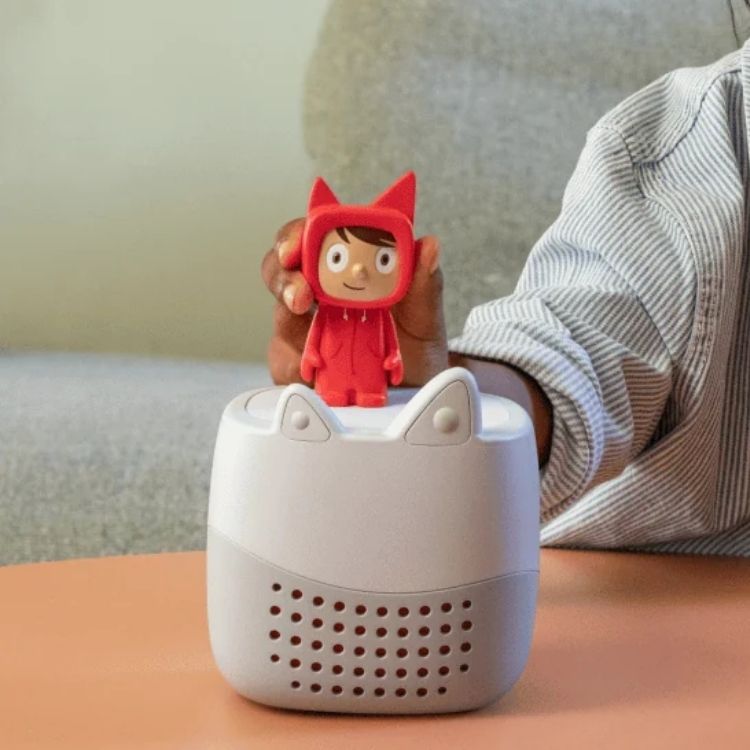
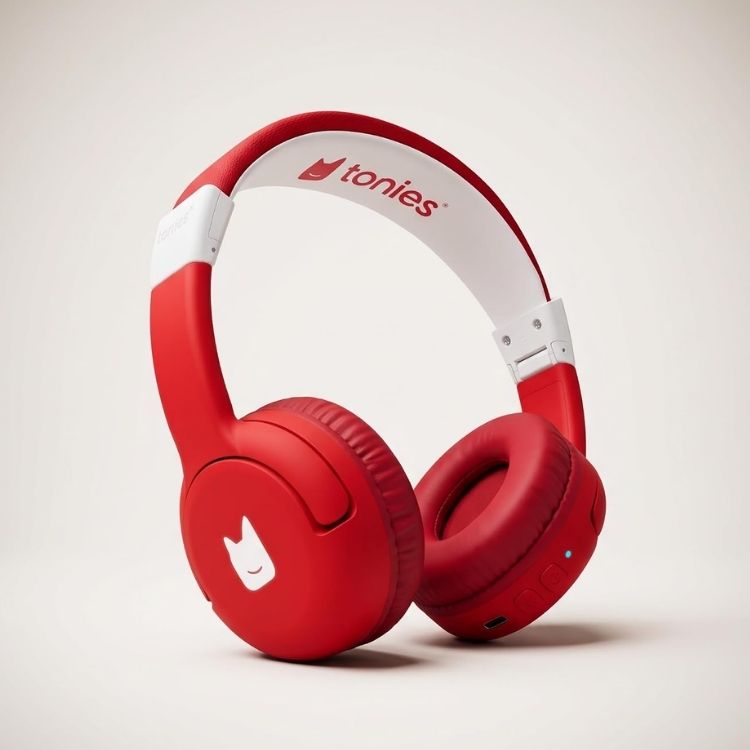
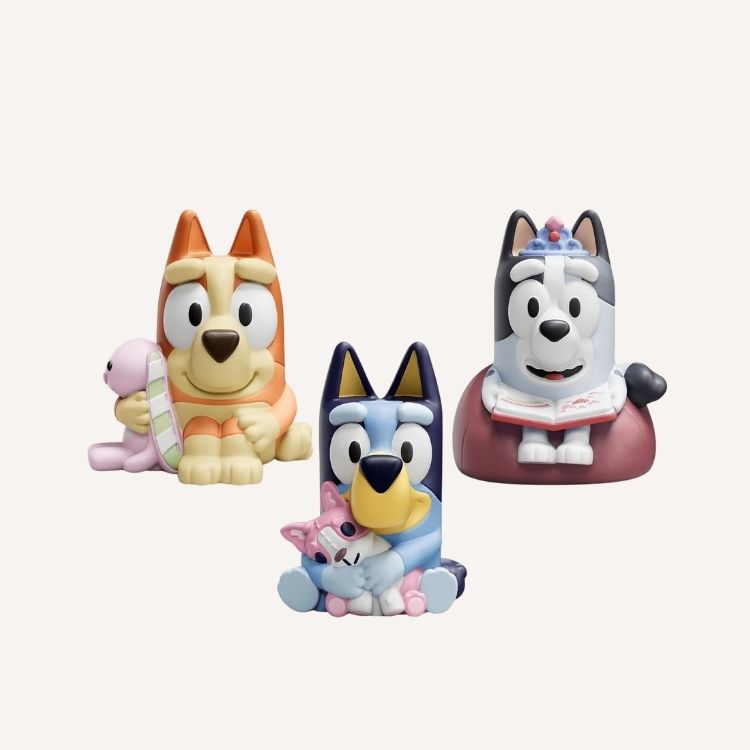
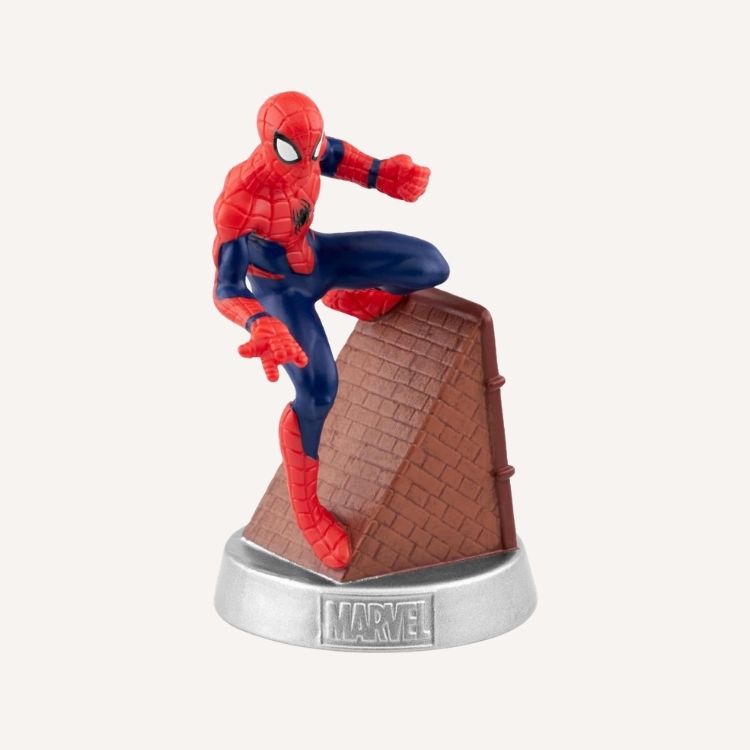
If you haven’t heard of the beloved toy, it’s a modern-day CD player. According to the Tonies company, it’s an “audio player for kids designed to bring audio stories, music, and learning to life for kids of all ages.” Pop a Tonies figurine onto the base of the box, and listen to fun stories and songs—completely screen-free. Tap or tilt the box to skip, fast-forward, or rewind, and squeeze the ears to adjust the volume. For a customized experience, be sure to download the Tonies app.
Quick Overview of Yoto vs. Toniebox Players
| 2026 Overview | Yoto & Yoto Mini (4th Gen.) | Toniebox 2 & Toniebox Lite |
|---|---|---|
| Best for | Advertised for kids ages 3+ My age rec: 4+ | Advertised for kids ages 1+ My age rec: 2+ |
| Price | Yoto Player: $150 Yoto Mini: $110 | Toniebox 2 Starter Set: $150+ Toniebox Lite: $80 |
| Media | Cards | Tonies Figurines (Types: Classic, Cuddle Me, Creative Tonies, Pocket Tonies, Book Tonies, Night Light Tonies, My First Tonies) |
| Battery Life | Yoto Player: 16h Yoto Mini: 16h | Toniebox 2: 9h Toniebox Lite: 6h |
| Size | Yoto Player: 4.5 x 4.5 x 4 in Yoto Mini: 3 x 3 x 3 in | Toniebox 2: 5.1 x 5.1 x 5 in Toniebox Lite: 3.9 x 3.9 x 4.1 in |
| Extra Features | Green button (scroll through 20 pre-selected titles) Clock Alarm clock White noise Sleep sounds Night light (full-size player) Yoto Mini is water-resistant | sleep timer Toniebox 2: Bedtime mode Tonieplay Dynamic light Sunrise alarm |
Yoto Player Pros and Cons
Yoto Player and Yoto Mini Cost
The newest 4th Generation Yoto Player itself starts at $149.99. There’s also a new mini version for $109.99 that parents seem to love as well! But know that the 3rd generation devices are still available at a lower cost. Currently, the 3rd Gen. Yoto player is priced at $109.99, and the 3rd Gen. Mini Yoto is priced at $79.99. From there, you’ll have to purchase Yoto Cards, which are little cards that play content on a Yoto player.
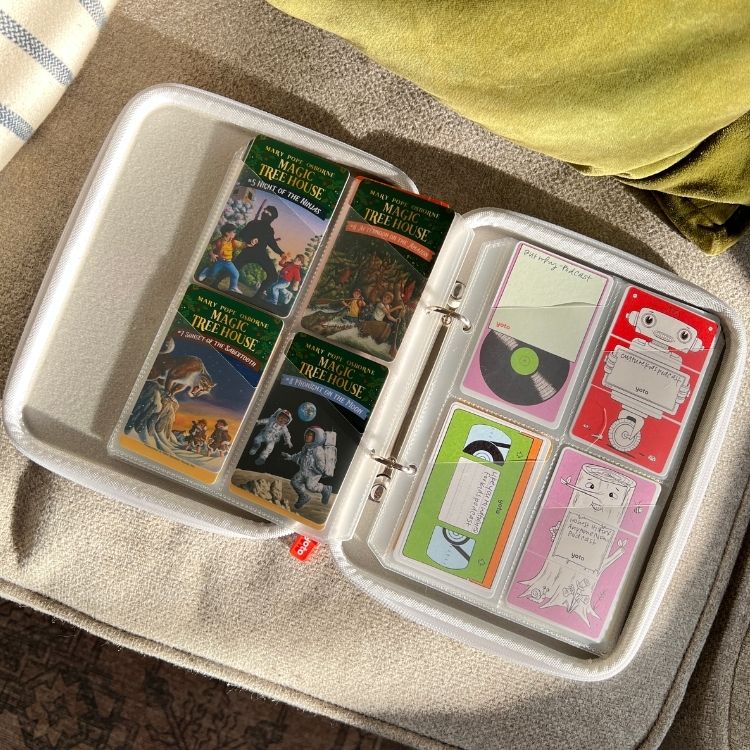
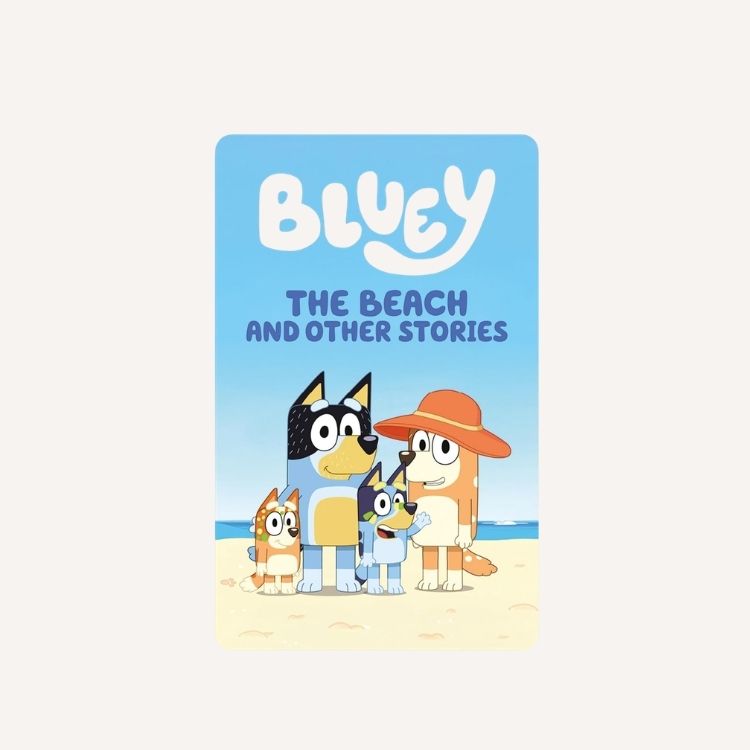
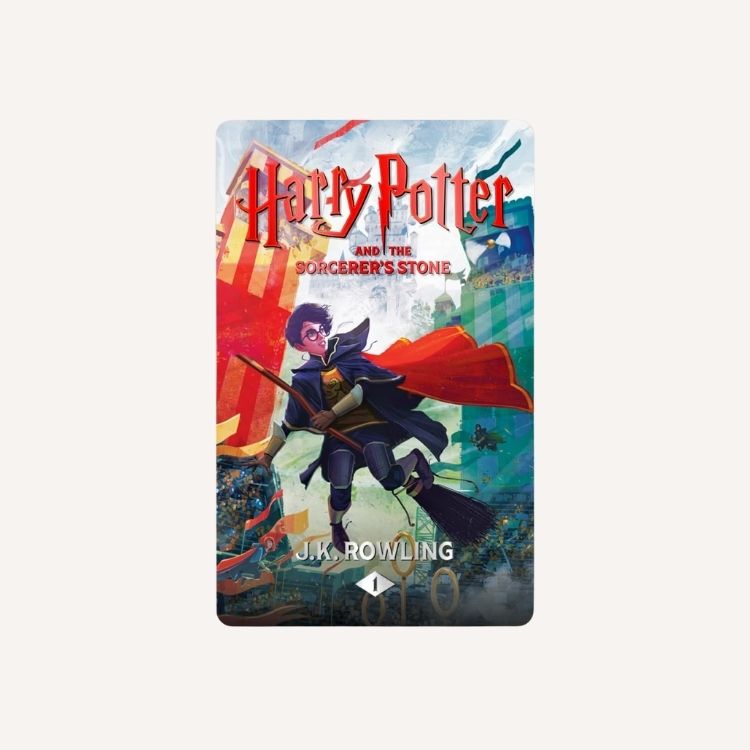
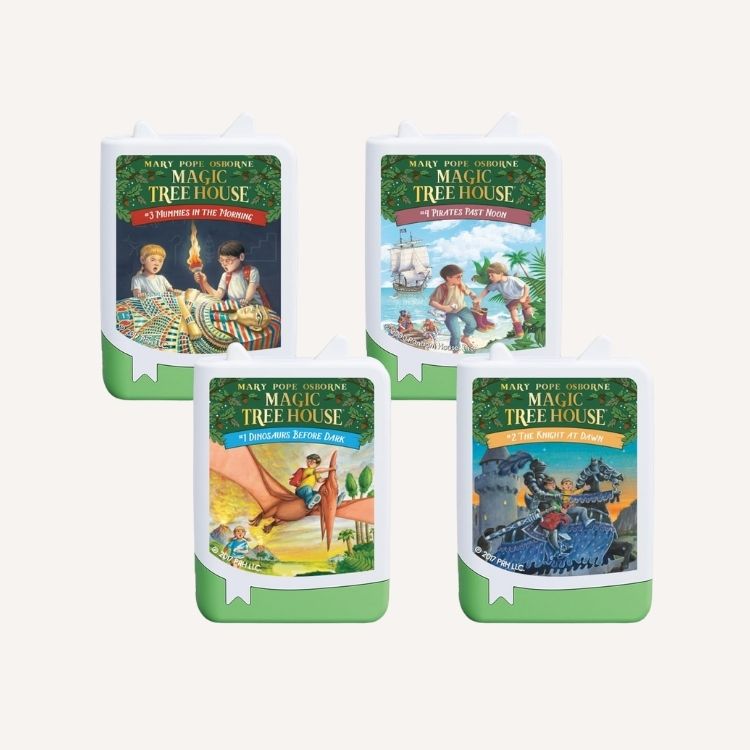
Yoto Cards have a much wider range of costs and runtime than Tonies (which also require additional purchases to play the content). Yoto Cards start at around $6.99, with many around the $10 to $15 mark. You can also buy sets of cards for $30+.
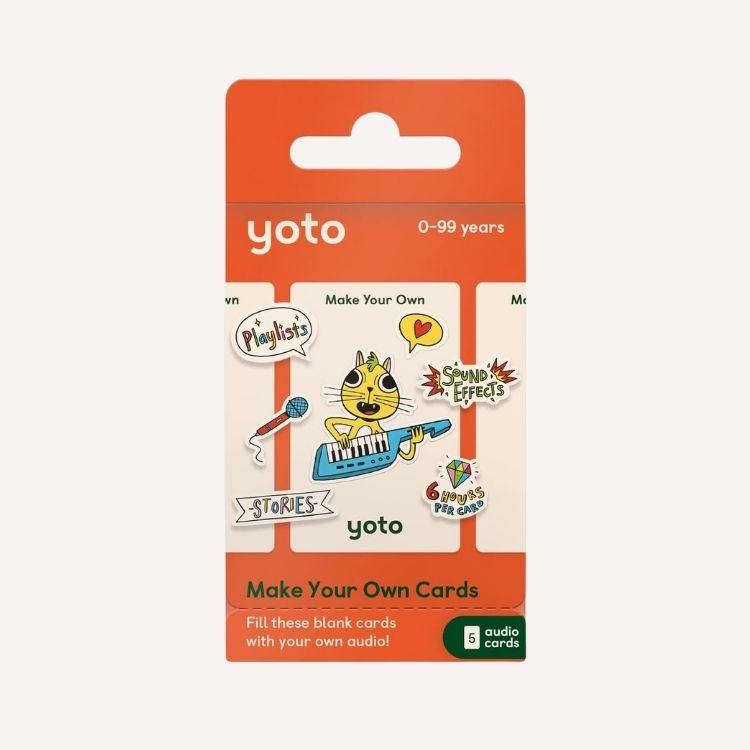
Run time ranges hugely, with some cards containing 10 minutes of content and others with hours! You can also buy blank Yoto Cards to record yourself for the price of $29.99 for a pack of 10 (100 tracks/500MB of audio content on each card—I can’t even wrap my head around how much content that is). Plus, kids can edit their personalized cards as much as they want. As a parent, it’s been fun to see how creative my kiddos are when it comes to the make-your-own cards!
Types of Content on Tonies vs. Yoto
If you’re looking at Tonies vs. Yoto, both devices offer a wide variety of content types, including songs, stories, things like mindfulness practices, and more. If your child has a particular interest, they will probably be able to find something they love on each. As the mom to a Buzz Lightyear-loving toddler, I quickly discovered both have Toy Story content.
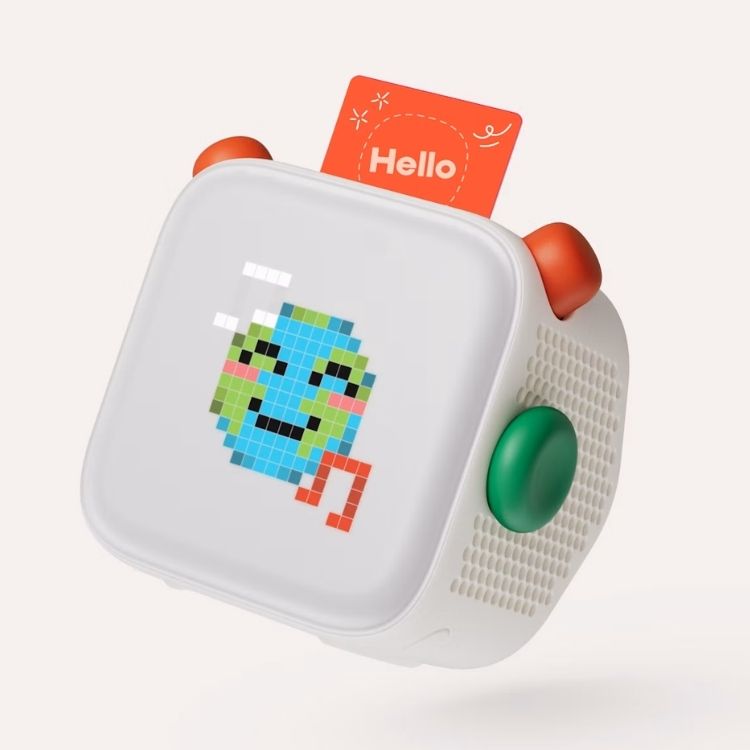
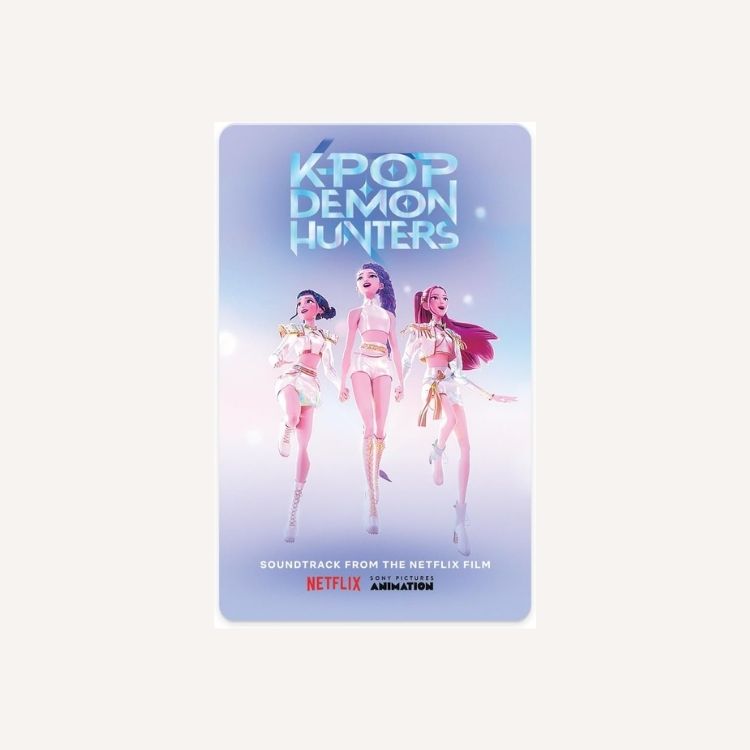
Yoto Cards are available for all types of stories (including classics, pre-school favorites, seasonal stories, and more). There’s also a wide range of music (the Wicked and K-Pop Demon Hunters soundtracks are both available!), podcasts, radio, sound effects, and activities (like learning words in different languages, math, letters and sounds, mindfulness, and movement). Make-your-own cards, where you can record your own content, are my favorite.
It truly does feel like the content offerings are endless. There are plenty of cards appropriate for toddlers and much older kids as well.
I also love that you can control everything from the Yoto app. You can scan and house your cards, and there’s a ton of free content. Not to mention, you can manage your little one’s night light and sleep radio.
Ease of Use and Enjoyment
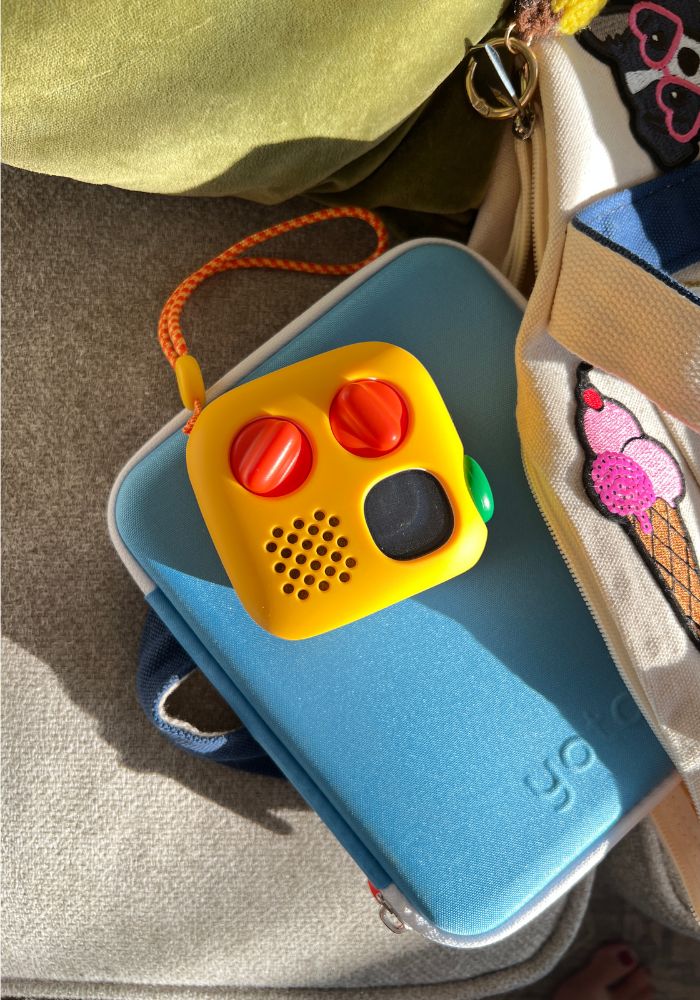
While neither player is particularly challenging, they are different in how they are used. For the Yoto Player, you insert a card in the top. There’s also a volume button and a matching button that allows you to fast-forward through chapters or go back.
It can be a bit challenging for little kids to know which of these buttons are used for what. The Yoto Player does have a screen that shows static images, though I’d still consider it a “screen-free” device. It also has a clock, can be used as a night light, and offers a white noise setting.
Longevity of the Player
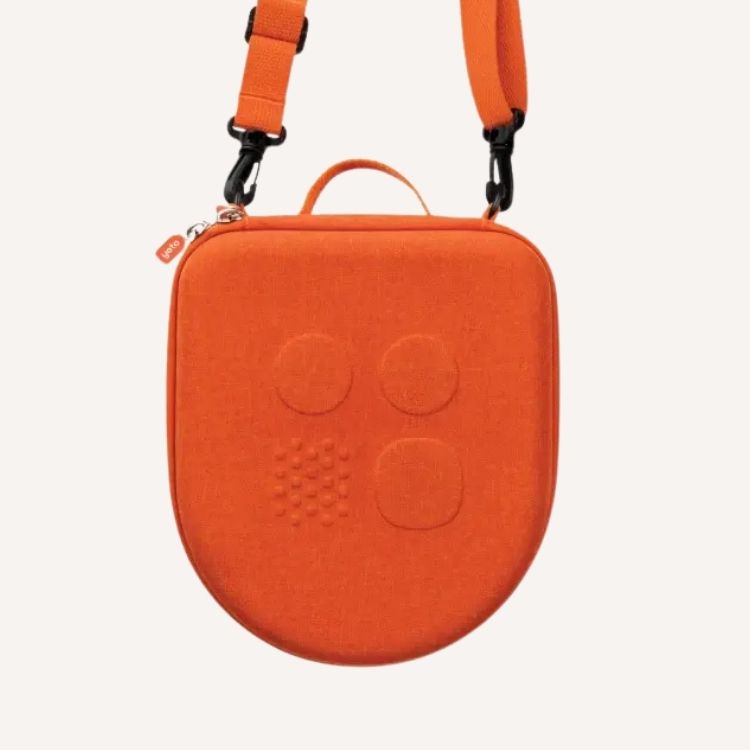
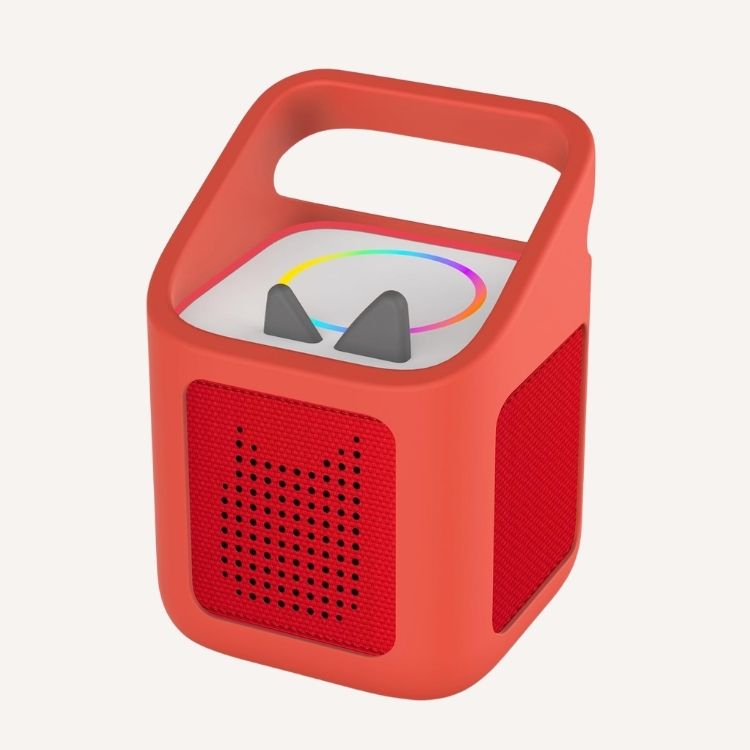
While I don’t recommend voluntarily throwing these devices on the ground, I can personally say that my kids have “accidentally” dropped them countless times, and I believe they have a long lifespan in terms of quality and durability. Although I recommend adding the Adventure Jacket to the Yoto Player if you have a not-so-gentle child.
It’s also hard to know exactly how long your child will want to use the device. All kids and their preferences are different, of course. The Yoto is geared toward children 3 years and up, while the Toniebox is advertised for little ones as young as 1.
The latest Yoto update also has a battery life of up to 16 hours. The 3rd Gen. has a 14-hour battery life, and this is a big plus. More listening time! Compared to Tonies’ 9-hour battery life, it’s significant for kids who are always using these devices.
If you’re buying the 3rd Gen. Yoto Mini, check the serial number to be sure it’s safe from the 2024 Yoto mini recall.
Toniebox Pros and Cons
Toniebox 2 and Toniebox Lite Cost
The newest version of the Toniebox—the Toniebox 2—starts at $150 for its starter set. Other starter sets with will go for more, depending on the character, but are typically around the $150 mark as well. Plus, parents will also be happy to hear that the company launched its newest product: the Toniebox Lite, which is a smaller and revamped version of the OG Toniebox and starts at $79.99.
All of the classic Tonies Figures are all the same price at $19.99. For a while, these were the only figurines available for purchase. However, when the Toniebox 2 was launched in 2025—and was developed with tinier tots in mind (more squeezable!)—it added the My First Tonies figurines collection, which starts at $14.99. And like the Yoto cards, there are ‘Create Your Own Creative Tonie‘ options available, too. These fun figurines, which are typically $9.99, do not contain any content—you record it yourself (90 minutes of recording time). Other collections can cost up to $39.99.
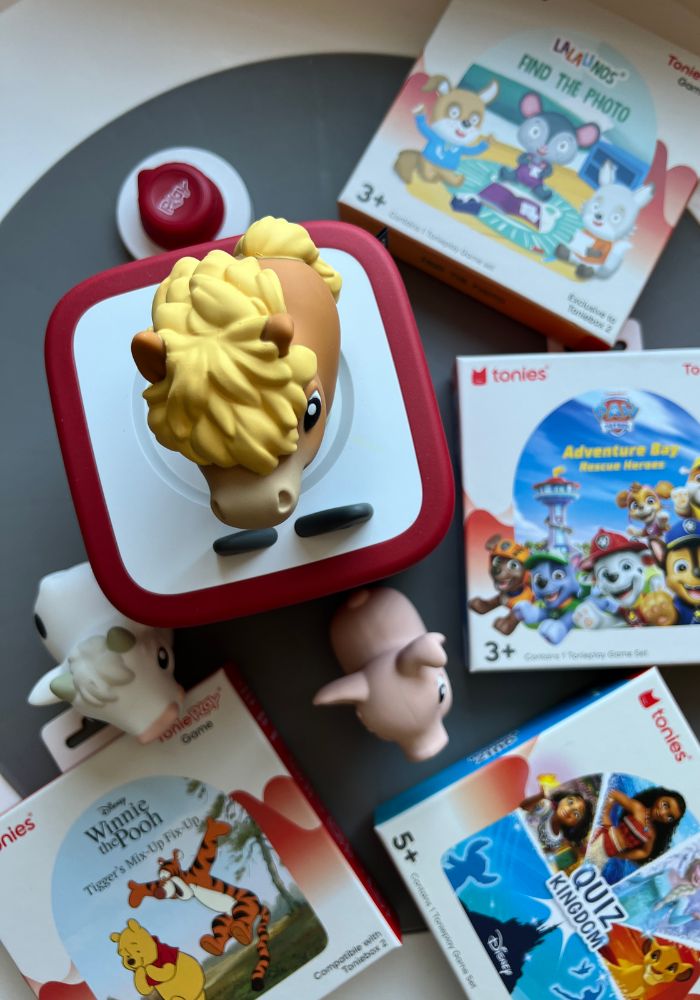
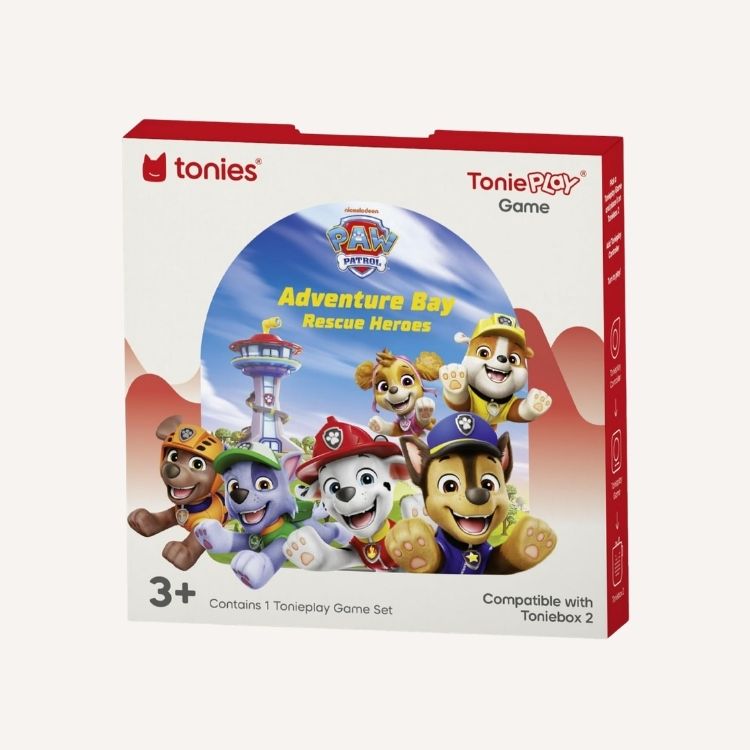
And for kids who are in their board-game era, Tonieplay Games, exclusive to the Toniebox 2, are $24.99.
Types of Content on the Toniebox
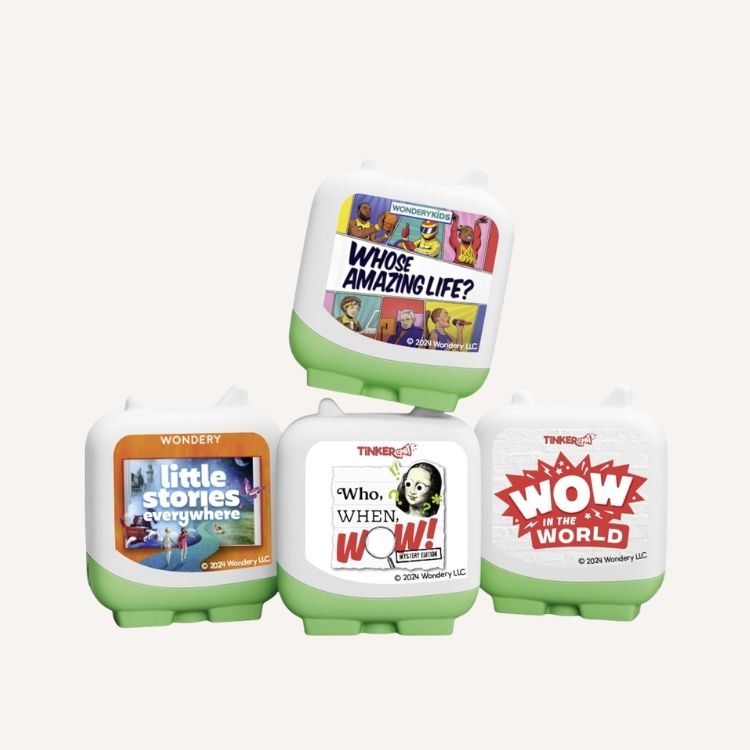
The runtime of each Tonie ranges from 16 minutes to 50 minutes. Tonies come in six different categories: story time, sing and dance, adventure, mindfulness, learn (educational content), and sleep. Up until 2025, Toniebox content felt limited, but boy, the Tonies company has definitely added more variety with newer collections. Here’s a breakdown of what each collection has to offer:
- Classic Tonies (for ages 3+): Hand-painted characters with a variety of content from fairy tales to audiobooks to sing-alongs, and more.
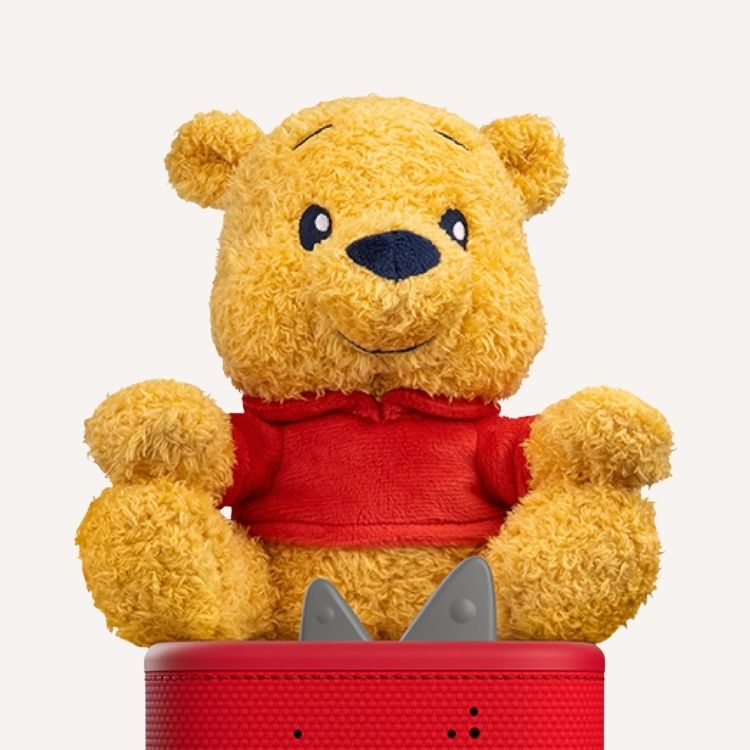
- Cuddle Tonies (for ages 3+): They work exactly the same as the Classic Tonies, but they’re plush and big enough to cuddle with.
- Creative Tonies (for ages 3+): Kids can record 90 minutes’ worth of custom stories, songs, and audio with these figurines.
- Pocket Tonies (for ages 5+): According to the Tonies site, the collection offers non-fiction content covering science, space, nature, and so much more.
- Book Tonies (for ages 6+): Featuring full-length stories, this collection encourages independent listening and literacy.
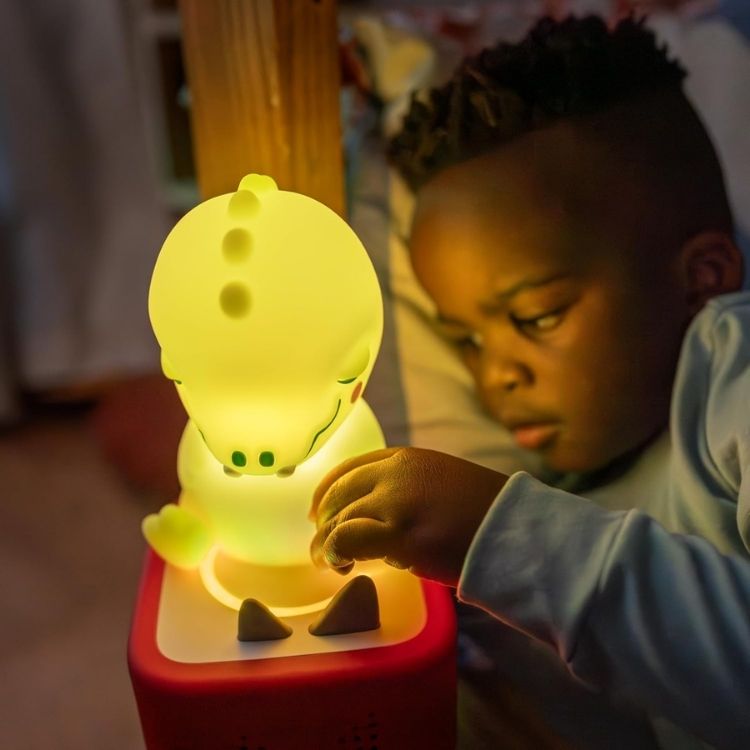
- Night Light Tonies (best for ages 1+): The best Tonies for bedtime and naptime, kids can fall asleep to these oh-so-cute Night Light Tonies that play calm melodies and soothing sounds.
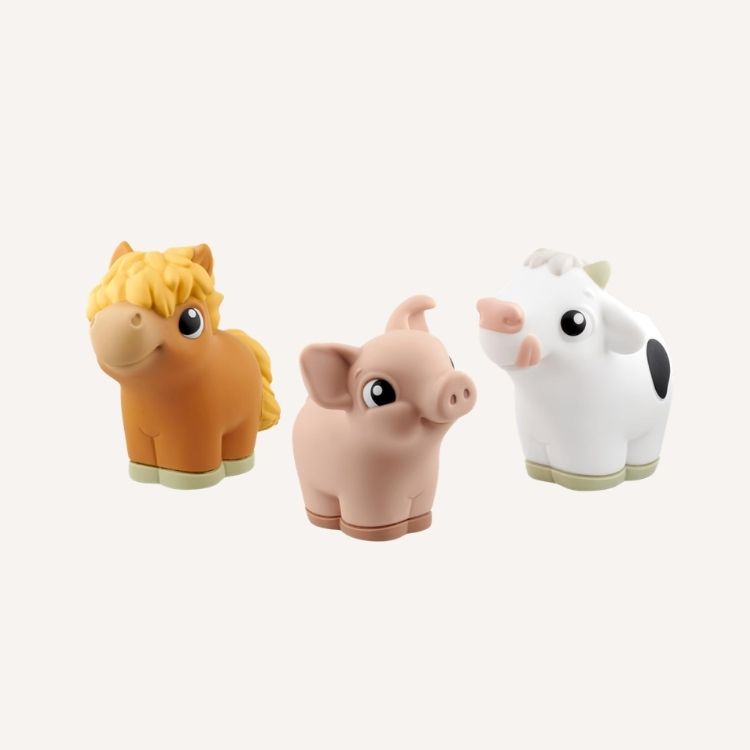
- My First Tonies (for ages 1+): Designed specifically for toddlers and early learning. These figurines are squeezable and a little bit larger than the Classic Tonies.
Parents should also note that the Toniebox 2 has a sleep timer, sunrise alarm, and a bedtime mode, too!
Ease of Use and Enjoyment
For the Toniebox 2 and the Toniebox Lite, you simply put the toy on top of the player. The volume button is easy to use as well. Truthfully, the cards with the Yoto Player simply aren’t as fun as a Tonies Frozen or Sesame Street figurine. Plus, I think kids have a fun time with all the different figurine options.
Longevity of the Player
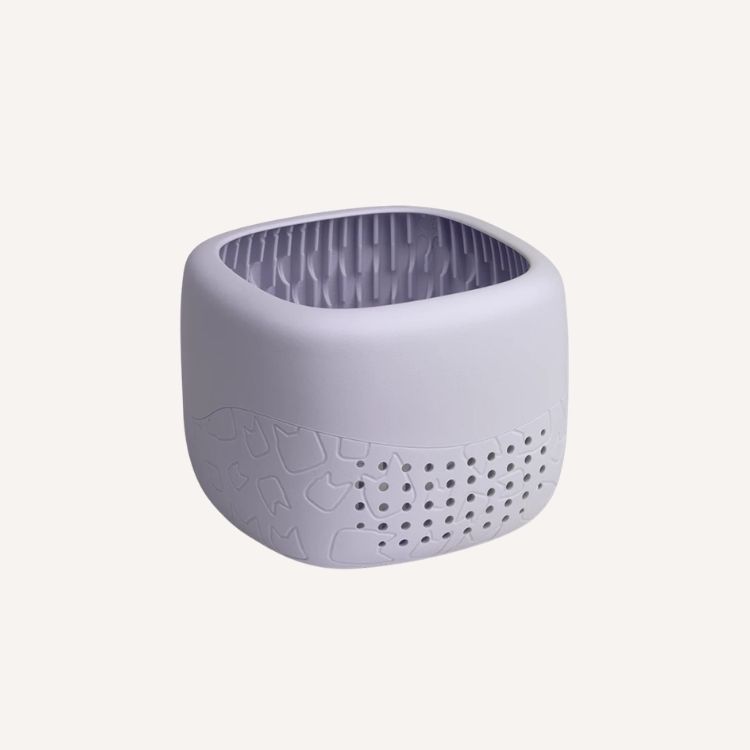
A pro of the Toniebox 2 is that it comes already padded, meaning no added cost for securing it (unlike the Yoto Player). My Toniebox 2 has had its fair share of ‘drops’ over the past year, and it’s still in great condition. Keep in mind that you’ll want to buy the separate silicone padding for the Toniebox Lite to give it some extra protection. The Lite isn’t cushioned like the Toniebox 2.
I’d say that the Toniebox 2 grows best with your child. After all, kids can start using this version as young as 1-years-old. But if they get older and aren’t into all the bells and whistles that the Toniebox 2 has to offer, the Toniebox Lite is a much simpler product (and great for traveling) that focuses more on the listening aspect of the device.
Tonies vs. Yoto: Which Is Better?
In the Toniebox vs. Yoto debate, it’s hard to say which one is “better.” The great thing is that both devices are well-made for little hands. It really depends on the interests and attention span of your child. If you’re looking for something with cute little figurines that a toddler would love, you might want the Toniebox devices. If you prefer something that’s easy for travel or have an older kiddo, the Yoto Players may be best for you.
As far as bang for your buck goes, when it comes to longevity and growing with your child, the Toniebox 2 is the big winner.
My Experience
My 6-year-old is starting to gravitate toward the Yoto Player, and my 2-year-old loves the figurines of the Toniebox. We’ve gotten good use of both brands over the years, and I give a two-thumbs-up for all the content on both devices. I’ll add that I tend to spend more money when it comes to the Toniebox accessories and figurines, since they cost more than the Yoto cards. However, if your little one is into board games and fun characters, all while listening to audio stories and songs, the Toniebox 2 audio player is a great option.
Whichever player you choose in the Tonies vs. Yoto debate, you’re likely to have lots of fun with the content, and it really is a great screen-free way to keep kids entertained when mama needs a break!
Shop Yoto Devices and Accessories
Shop Toniebox Devices and Accessories
FAQs About the Toniebox and Yoto
Is Toniebox or Yoto better?
It really depends on the interests and attention span of your child. If you’re looking for something with cute little figurines that a toddler would love, you might want the Tonieboxes. If you prefer more content that will grow with your child or want something that’s easy for travel, the Yoto Players may be best for you.
What is the difference between Toniebox and Yoto?
The Toniebox uses figurines to play content, while the Yoto uses cards. The design and the content for each player are different as well.
Is Yoto better for older kids?
Yes, the Yoto is better for older kids. However, it can be used for kids as young as 3 years old.
Is Toniebox better for toddlers?
Yes, the Toniebox is better for toddlers, especially the Toniebox 2.
Can you use Tonies on Toniebox 2?
Yes, all Tonies work on the Toniebox 2. However, note that the Tonieplay games is exclusive to the Toniebox 2 and cannot be used on the Toniebox 1 or Toniebox Lite.
Can you use old Tonies on Toniebox Lite?
Yes, all Tonies are compatible with the Toniebox Lite.

Patty Schepel, Associate Editor
As the Associate Editor, Patty works with The Everymom’s team on pitches, creating original articles, updating existing content, photo sourcing, writing shopping product descriptions, editing freelance articles, and more. With Patty’s passion for writing, experience as a mother of two, and expertise as a pediatric nurse, she brings a thoughtful and informative perspective to The Everymom.
