



Halloween may be at the end of the month, but the start of October means it’s 31 days of the spookiest of kid-approved activities. From fall festivals to carving pumpkins to picking out family Halloween costumes, as a mom, I’m thankful this month extends to the 31st. In my neighborhood, the tall skeletons are out, and I love seeing the festive houses lit up with orange and purple lights at night.
But one of my favorite activities I love doing with the family is picking the best Halloween movies to watch throughout the month. Sometimes we go full-theater mode and cozy up on the couch with a bowl of popcorn. Other nights, we mix it up a little and let the kids watch a movie on the tablet. When there’s screen time, what better way to make it festive than with a Halloween tech background to display on their screen? It’s a quick activity, but a fun one, I might add, to let your kids choose their own Halloween wallpaper. These cute and spooky-ish backgrounds will have the whole family saying “Aaaaaw.” Keep scrolling to choose your favorite (and free) Halloween tech background your kids will love, and download it onto their tablet!
More stories to get into the Halloween mood:
- The Kids and Family Halloween Costume Ideas You’ll See Everywhere in 2025
- All the Outdoor Halloween Decor Inspo You Need—Plus What to Shop Early
How to download wallpaper for an iPad
Once you and your kiddos decide on your favorite background, click the link below the wallpaper and download it as a photo to your tablet. Then, set the image as the wallpaper.
Can’t decide? Choose more than one wallpaper!
If your kids are anything like mine, deciding on just one wallpaper can be a hard decision—who wouldn’t want them all?! The best part is that with multiple tech background options, there are more opportunities to change the wallpaper throughout the month. Or better yet, download all your favorites and have each background continuously rotate on the screen. To do this on an iPad, once your preferred backgrounds are downloaded, click into your settings app to add a new wallpaper. Find the “Photo Shuffle” icon, and manually select the wallpaper images you would like to add. Choose your shuffle frequency to have the background change hourly or daily!
You may also like: October 2025 Tech Backgrounds for Moms
Free Halloween iPad wallpaper for kids
The cutest of options for phone and iPad backgrounds lie ahead. Find the best background that matches your family’s Halloween vibes below.

What says “Halloween” better than witch hats, pumpkins, black cats, ghosts, and candy corn? Pick the kids’ favorite color, and you’ll be set for all of October!
Halloween Collage iPad Wallpaper
Click to Download


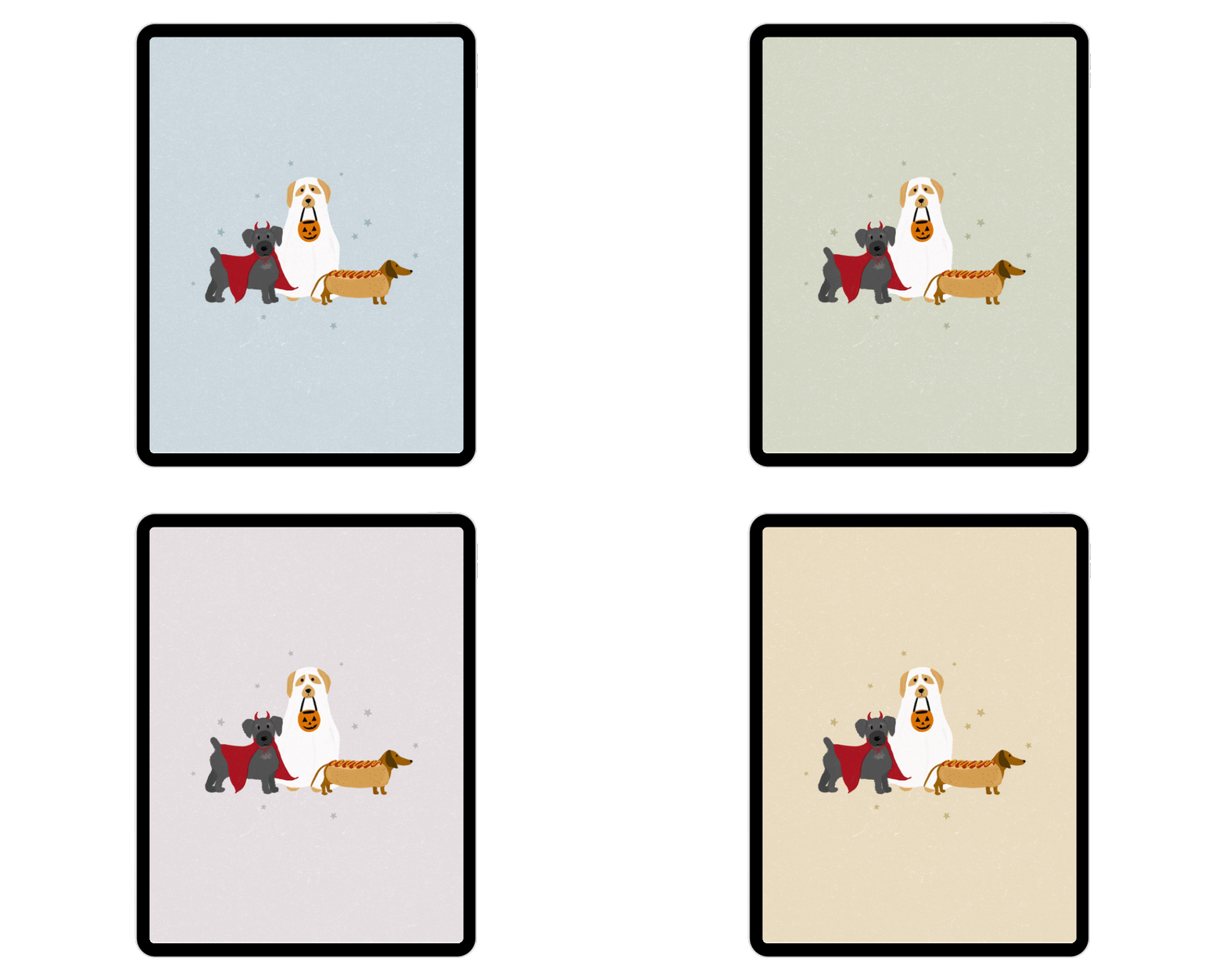
Trick-or-Treating Pets Illustration Background
We can’t forget about our furry friends who may be joining the trick-or-treating festivities. Dogs truly make the cutest ghosts.
Click to Download


Aryana Johnson, Graphic Designer
Aryana is a Chicago-born artist working as a graphic designer for The Everygirl and The Everymom. She collaboratively assists lead designers with the creation of visual content. She designs consistent and appealing graphics for websites and social channels.

Caitlin Schneider, Graphic Designer
Caitlin is a graphic designer for The Everygirl and The Everymom. She collaborates with the design team and assists with the creation of website and social graphics for both brands.

Patty Schepel, Editorial Assistant
As the editorial assistant, Patty works with The Everymom’s team on pitches, creating original articles, updating existing content, photo sourcing, writing shopping product descriptions, inputting freelance articles, and more. With Patty’s passion for writing, experience as a mother of two, and expertise as a pediatric nurse, she brings a thoughtful and informative perspective to The Everymom.